
Simple 4-step process
How Print on Demand Works
Pick a product, add your design, and order online — one shirt or a thousand. We print it locally in the US and Canada and ship it wherever you say.
How Printeez On Demand works
No store required — order directly in four steps.
1. Pick your product
Browse the catalog of retail-grade blanks: tees, fleece, hats, and more.
2. Add your design
Upload your artwork in the online design tool and see your mockup instantly.
3. Order online
Choose sizes and quantities and check out. No minimums — one piece is a real order.
4. We print, pack & ship
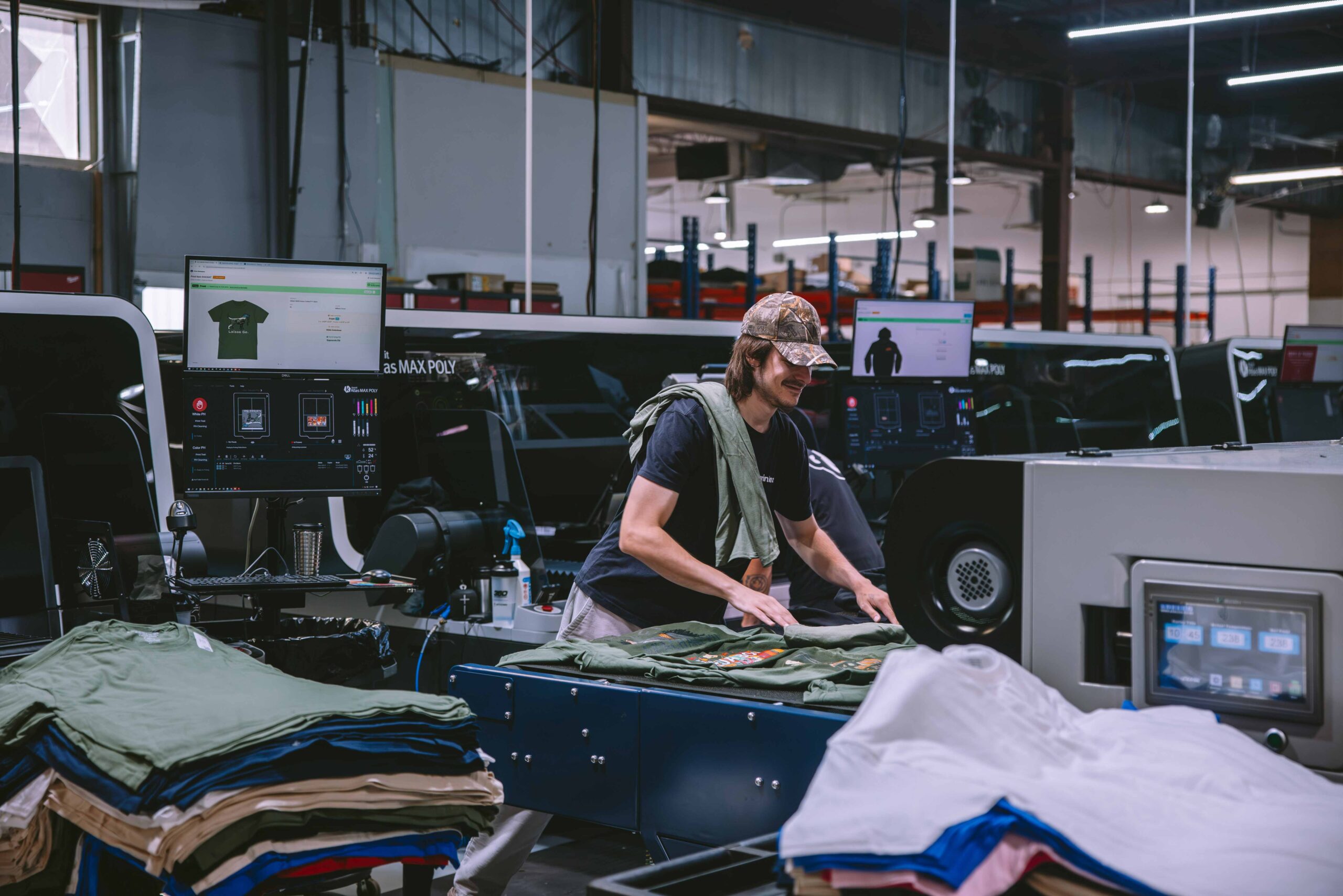
Produced in our own facilities in Lakewood Ranch, Florida and Granby, Quebec, then shipped wherever you need it.
Reordering takes two clicks.
Every product you create is saved in your account — design, placement, colors, and sizes. When you need more, reorder exactly what you got last time, or tweak it first. No digging up files, no starting over.
Selling online?
Connect your store.
Connect your Shopify store and orders flow straight to production — we print, ship to your customer, and send tracking back automatically.


Why Choose Printeez
Produced locally
Made in our own facilities in Canada and US
No minimums
Order one piece or a thousand — a single item is a real order.
Easy reorders
Your products are saved to your account — reorder the exact same thing in two clicks.
Store integration
Connect your Shopify store for automated production, shipping, and tracking.
Inside our facilities
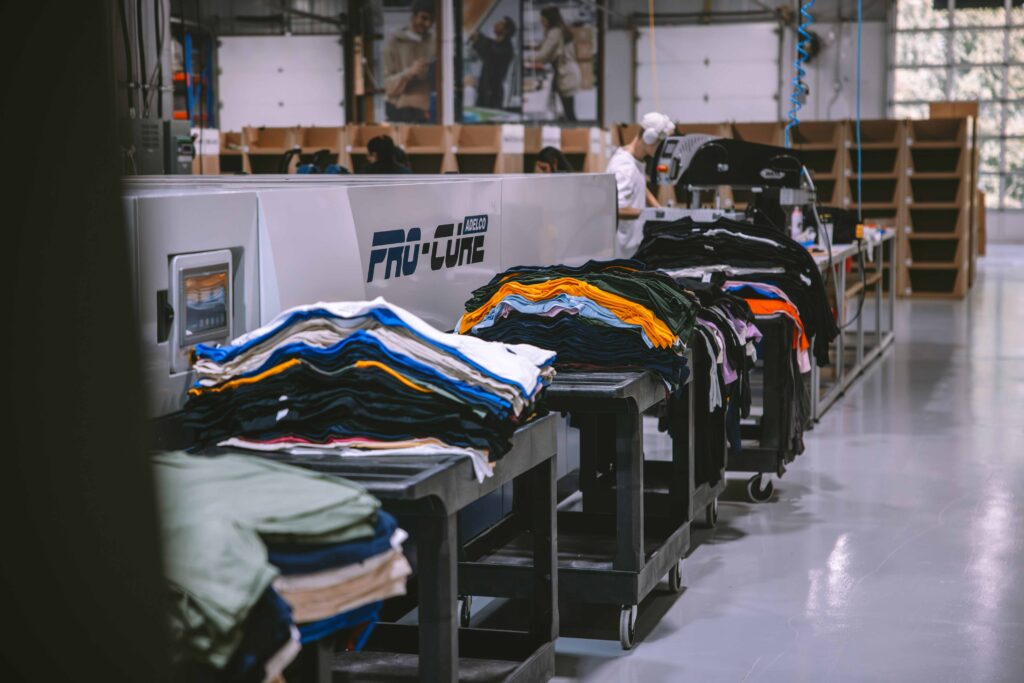
Every order is produced in our own facilities in Lakewood Ranch, Florida and Granby, Quebec.
Frequently Asked Questions
Orders can only be canceled if production has not yet started.
Once printing begins, the order cannot be modified, canceled, or refunded.
If an error occurs on our end, such as a production defect or lost shipment, we will reprint the affected order.
You can update a shipping address as long as the order hasn’t shipped yet.
- Go to your dashboard → select the order → Edit Address.
- If the order has already shipped, we can’t redirect it, but you can place a new order to resend to the correct address.
What if my customer entered the wrong address?
If a customer provides an incorrect address and the order can’t be delivered:
- The carrier may return it to our facility.
Once we receive it, we’ll notify you and you can decide where to have it reshipped.
Reshipping costs apply. If no action is taken within 30 days, the item will be discarded.
You can cancel an order directly from your Orders page before it enters production.
- Go to Dashboard → Orders.
- Select the order and click Cancel Order.
Once canceled, you can resync the updated order to any changes requested by your customer (such as size, color, or artwork updates).
Timing note: Orders are reviewed and approved for production every hour in our internal production dashboard. Depending on when your order was submitted, you may have anywhere between 5 minutes and 1 hour to cancel and resync before it’s locked for production.
After an order is approved, no changes to size, color, or artwork are possible. Only the delivery address can be updated before the order ships.
If your customer requests modifications after approval, here’s the best way to handle it:
- Update the shipping address to your own if you’d like to keep the printed items for events, samples, or exchanges.
- Then, create a new order directly through your Shopify store for your customer with the corrected details.
This approach turns a potential issue into a win-win:
- Your customer receives an updated order and full shipping notifications (since it’s processed through your store).
- You keep the original item for future use or resale.
Note: A “Duplicate Order” feature is not currently available. Because orders can originate from multiple integrations (Shopify, Etsy, WooCommerce, or manual entries), duplicating an order inside your Printeez dashboard would not create a new order in your connected store or notify your customers. We plan to introduce a safe, synchronized version of this feature in a future update.
Ready to start?
No setup fees, no minimums, no risk.