
Simple 4-Step Process
How Printeez on Demand Works
From store connection to customer delivery, here’s exactly how our Canadian
print-on-demand service helps you build your brand without inventory.
1. Select Your Product
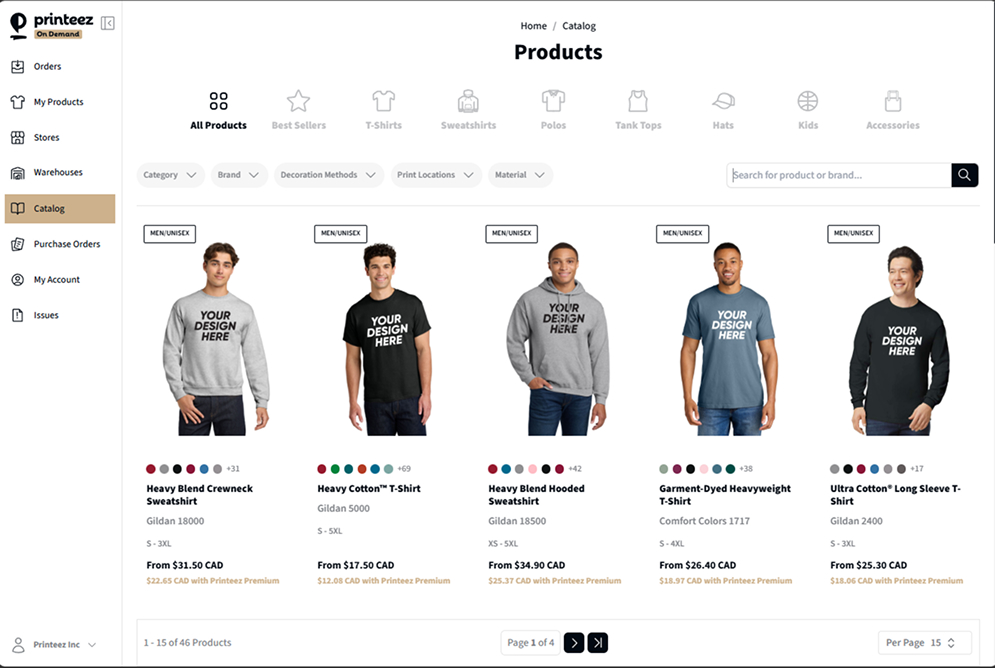
Choose from our catalog and upload your designs. Set your prices and go live.
- Browse 100+ premium products
- Upload high-resolution artwork
- Preview mockups instantly
- Set competitive pricing
2. Add Your Design
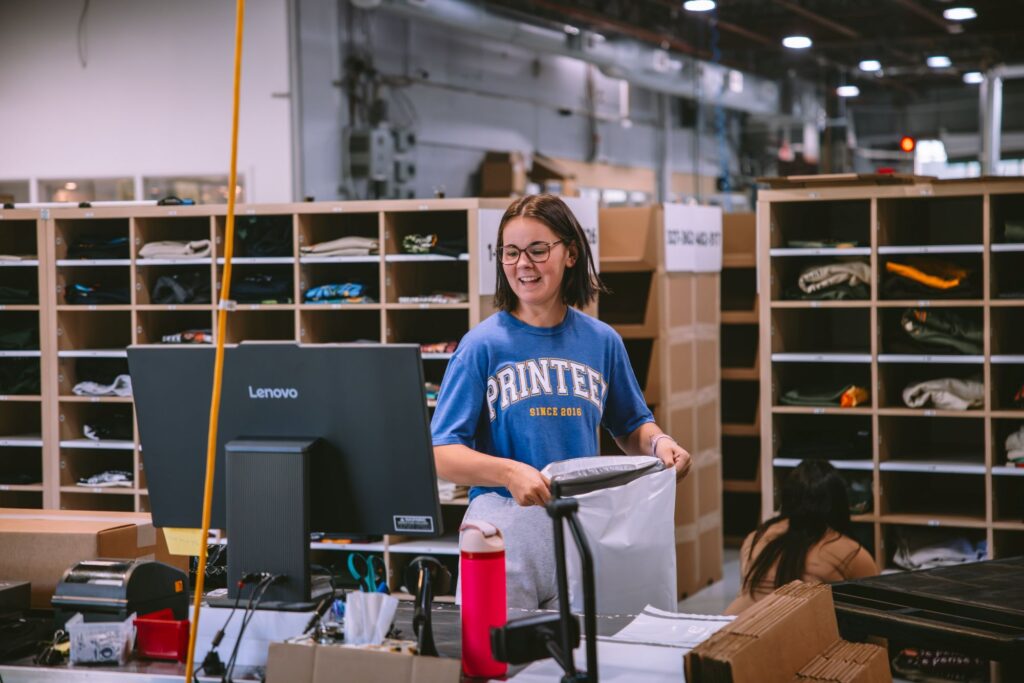
Orders automatically sync to our facility. We handle printing, packing, and shipping.
3. Start Selling
Integrate with Shopify or Etsy in minutes. No technical setup required.
4. Let us Print, Pack and Ship!
Focus on marketing and customer service while we handle the fulfillment.
Choose Your Workflow
Whether you have an existing store or want to start fresh, we have the perfect integration for your business.
- Shopify Integration
- Etsy Integration
- Manual Orders
Shopify Integration
1
Install Printeez app from Shopify App Store
2
Connect your store with one-click authorization
3
Import products or create new ones with our design tool
4
Orders automatically sync when customers purchase
5
Track fulfillment status in real-time
Etsy Integration
1
Connect your Etsy shop through our dashboard
2
Set up product matching and shipping rules
3
Upload designs and create product listings
4
Orders flow automatically to our production queue
5
Customers receive tracking updates directly
Manual Orders
1
Log into your Printeez dashboard
2
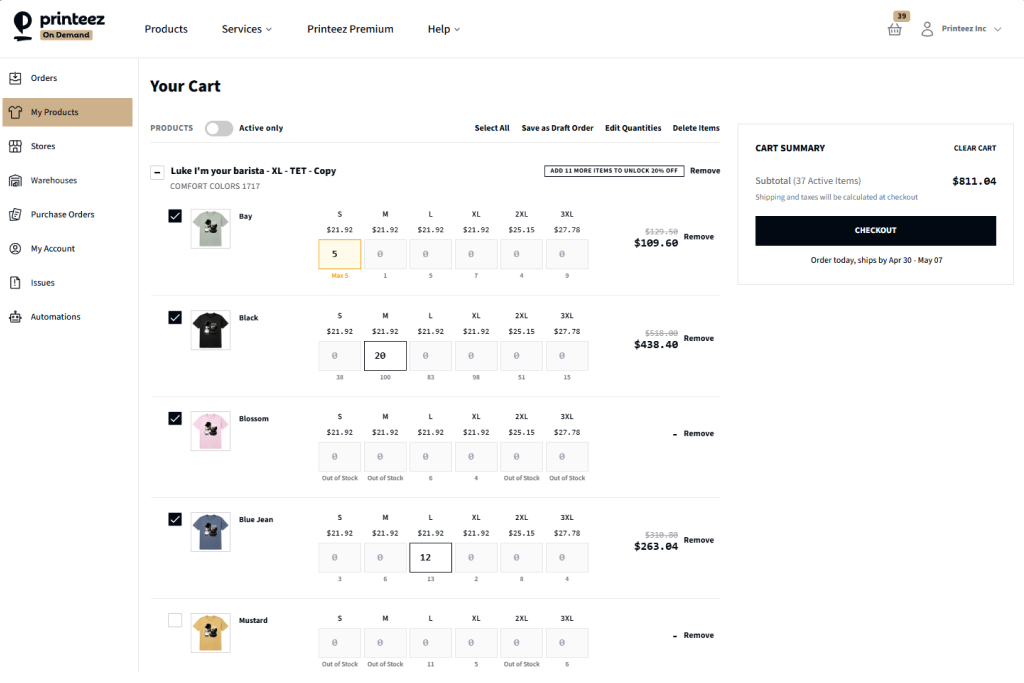
Create orders directly without a connected store
3
Perfect for agencies, designers, and bulk orders
4
Upload artwork and specify quantities
5
Submit for immediate production
Why Choose Printeez?
Retail-grade custom manufacturing. Made in Canada. Made for brands that matter.
No Inventory Risk
Products are printed only when ordered. No upfront costs or storage needed.
Fast Production
Average 1-3 business days from order to shipment with our Canadian facility.
Quality Guaranteed
Professional DTG, DTF, and embroidery with retail-grade materials.
Canadian Made
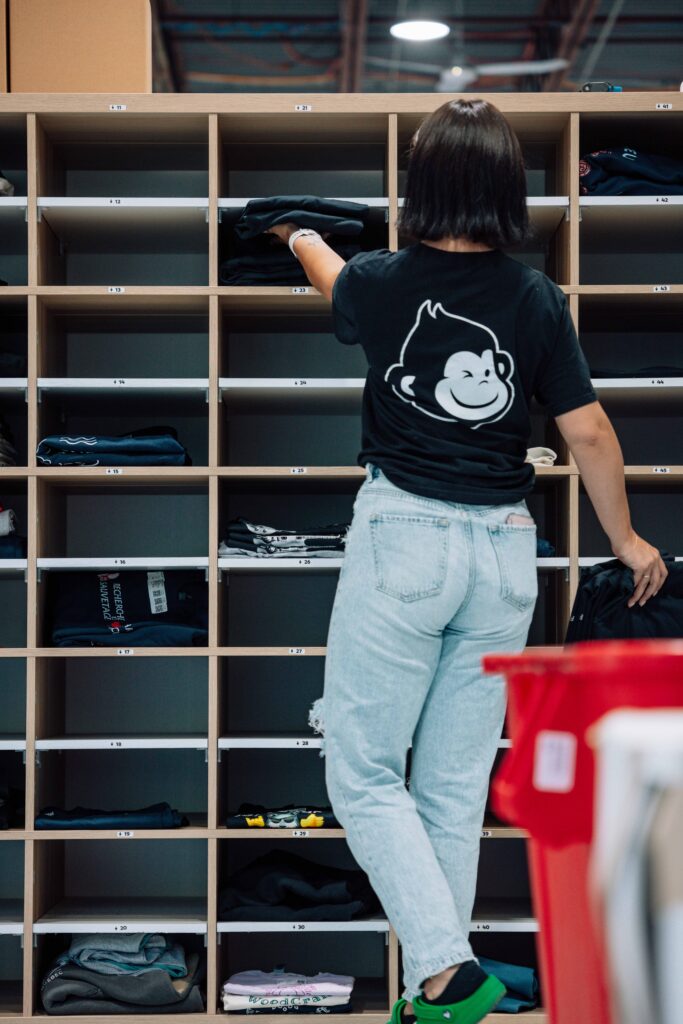
All production happens in our Granby, Canada facility for quality control.
Custom Branding
Add your logo to packaging, neck labels, and shipping materials.
Scalable Solution
Handle one order or thousands with the same reliable service.
See Our Process in Action
Take a behind-the-scenes look at our Granby facility and see how your orders come to life.
Common Questions
Quick answers to help you get started with confidence.
Orders can only be canceled if production has not yet started.
Once printing begins, the order cannot be modified, canceled, or refunded.
If an error occurs on our end, such as a production defect or lost shipment, we will reprint or refund the affected order.
You can update a shipping address as long as the order hasn’t shipped yet.
- Go to your dashboard → select the order → Edit Address.
- If the order has already shipped, we can’t redirect it, but you can place a new order to resend to the correct address.
What if my customer entered the wrong address?
If a customer provides an incorrect address and the order can’t be delivered:
- The carrier may return it to our facility.
Once we receive it, we’ll notify you and you can decide where to have it reshipped.
Reshipping costs apply. If no action is taken within 30 days, the item will be discarded.
You can cancel an order directly from your Orders page before it enters production.
- Go to Dashboard → Orders.
- Select the order and click Cancel Order.
Once canceled, you can resync the updated order to any changes requested by your customer (such as size, color, or artwork updates).
Timing note: Orders are reviewed and approved for production every hour in our internal production dashboard. Depending on when your order was submitted, you may have anywhere between 5 minutes and 1 hour to cancel and resync before it’s locked for production.
After an order is approved, no changes to size, color, or artwork are possible. Only the delivery address can be updated before the order ships.
If your customer requests modifications after approval, here’s the best way to handle it:
- Update the shipping address to your own if you’d like to keep the printed items for events, samples, or exchanges.
- Then, create a new order directly through your Shopify store for your customer with the corrected details.
This approach turns a potential issue into a win-win:
- Your customer receives an updated order and full shipping notifications (since it’s processed through your store).
- You keep the original item for future use or resale.
Note: A “Duplicate Order” feature is not currently available. Because orders can originate from multiple integrations (Shopify, Etsy, WooCommerce, or manual entries), duplicating an order inside your Printeez dashboard would not create a new order in your connected store or notify your customers. We plan to introduce a safe, synchronized version of this feature in a future update.
Fast, Reliable Fulfillment
Ready to Start Your Print-on-Demand Business?
Join hundreds of successful Canadian brands. No setup fees, no minimums, no risk.
No credit card required • Cancel anytime